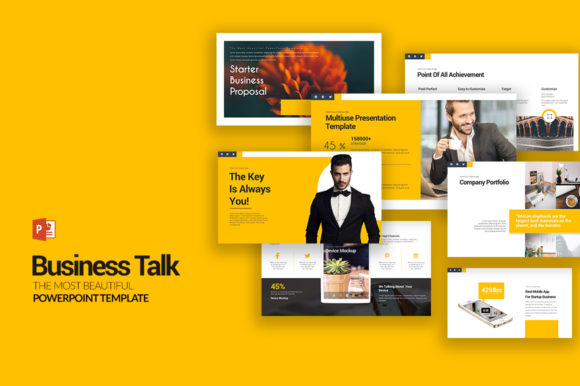
Business Talk PowerPoint Templates: Your Go-To for Professional Slides
When you're putting together a presentation, the goal is always the same: communicate your message clearly and leave a lasting impression. It doesn't matter if you're pitching a new idea to investors, walking your team through quarterly results, or teaching a workshop. The tools you use shape the outcome. That's where a solid set of Business Talk PowerPoint Templates comes in. This isn't just another generic slide deck. It's a comprehensive toolkit designed for professionals who need to look sharp without spending hours fiddling with layouts. Think of it as a foundation for your ideas, giving you the structure so you can focus on the content itself.
What Makes These Templates Stand Out?
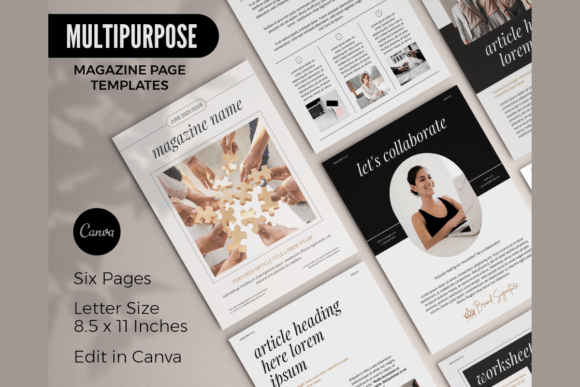
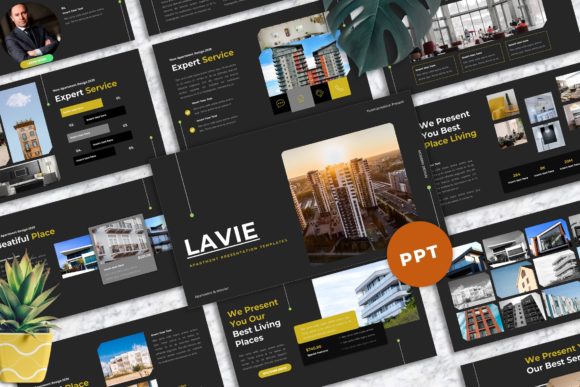
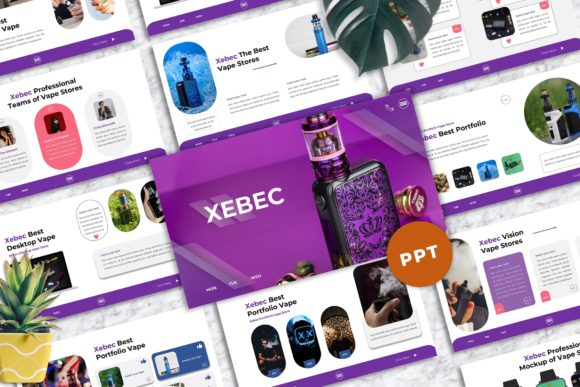
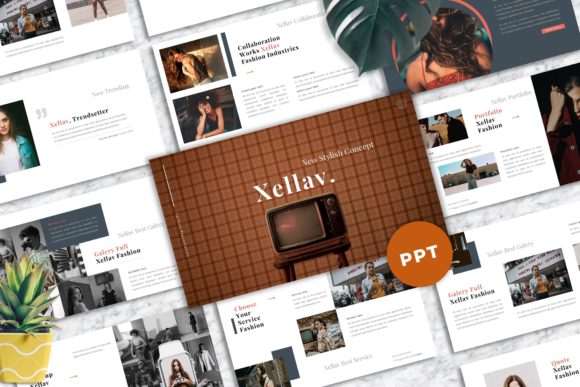
At first glance, you'll notice the clean, modern typography and a thoughtful use of space. The design personality here is confident and contemporary, avoiding overly flashy trends in favor of timeless professionalism. The overall appeal lies in its versatility. You're not locked into a single aesthetic. With 10 unique PPTX files and a staggering 1,000 slides total, you have a massive library of layouts to choose from. Each of the 100 unique slides is crafted with purpose, offering everything from detailed data charts and timelines to image-centric hero slides and team profiles.
The practical features are where this package truly delivers for the busy creative or entrepreneur. Every single element is fully editable. That means you can change the shape of a graphic, adjust the color palette, or modify a chart directly in PowerPoint. There's no need for another software like Illustrator or Photoshop. This is a huge time-saver. The templates come with five color schemes, each available on both white and dark background versions, so you can easily match them to your brand identity or the mood of your presentation. The inclusion of vector icons is a thoughtful touch, allowing you to scale graphics without losing quality. And because the charts are editable in Excel, updating your data is a seamless process.
Putting the Templates to Work: Real-World Applications
The true value of any design asset is how it performs in real scenarios. These Business Talk Templates for Multipurpose Presentation are built for exactly that. For the entrepreneur crafting a pitch deck, the pre-built slide structures for problem/solution, market analysis, and financial projections provide a professional framework. You can drop in your numbers and key points, and the design already guides the viewer's eye. A marketer preparing a campaign post-mortem will find the editable charts and infographic layouts invaluable for presenting data in a way that's both insightful and visually engaging.
Consider the brand strategist developing a new visual identity. These templates can serve as a testing ground. You can apply your nascent color palette and font choices to the slides to see how they hold up across different layouts—from text-heavy sections to full-bleed images. This process helps evaluate visual hierarchy and consistency in a practical context. For a small business owner creating training materials or internal reports, the 16:9 aspect ratio ensures your presentation looks crisp on modern screens and projectors. The documentation & quick guide file included means you're not left guessing, even if you're not a PowerPoint expert.
Key Considerations for a Polished Result
Getting the most out of these assets involves a few practical steps. First, install the recommended free fonts before opening the PowerPoint files. This is a simple but critical step to ensure the text displays correctly and maintains the intended design aesthetic. While the templates offer a complete system, think of them as a starting point. Your job is to infuse them with your brand's unique voice. This might mean swapping out a serif font for a sans serif that's part of your brand guidelines, or adjusting the accent colors to be more vibrant.
When evaluating fit, ask yourself: Does this layout serve my story? A data-heavy financial report will benefit from the chart-focused slides, while a creative portfolio might lean into the image placeholder designs. Don't feel obligated to use every slide. Curate the ones that best support your narrative. Test your font pairing within the template. If the default doesn't feel right, experiment with combinations—a strong display font for headings paired with a highly readable sans serif for body text often works well. The fully editable nature of the shapes and colors means you can create a cohesive brand identity throughout the deck, reinforcing recognition and professionalism.
Remember, while the stock photos are not included, the image placeholders are perfectly sized and positioned. This is actually an advantage, as it encourages you to use your own original photography or carefully selected, licensed images that truly represent your business. The result is a presentation that feels authentically yours, built on a professional and flexible foundation. For anyone who regularly creates presentations—from designers and content creators to publishers and bloggers—having a reliable, high-quality set of templates like this is not a luxury; it's a practical investment in clear, effective communication.